
Resources, people
and account operations.
ACMMAX Cloud Console connects your services with the day-to-day work of managing them.
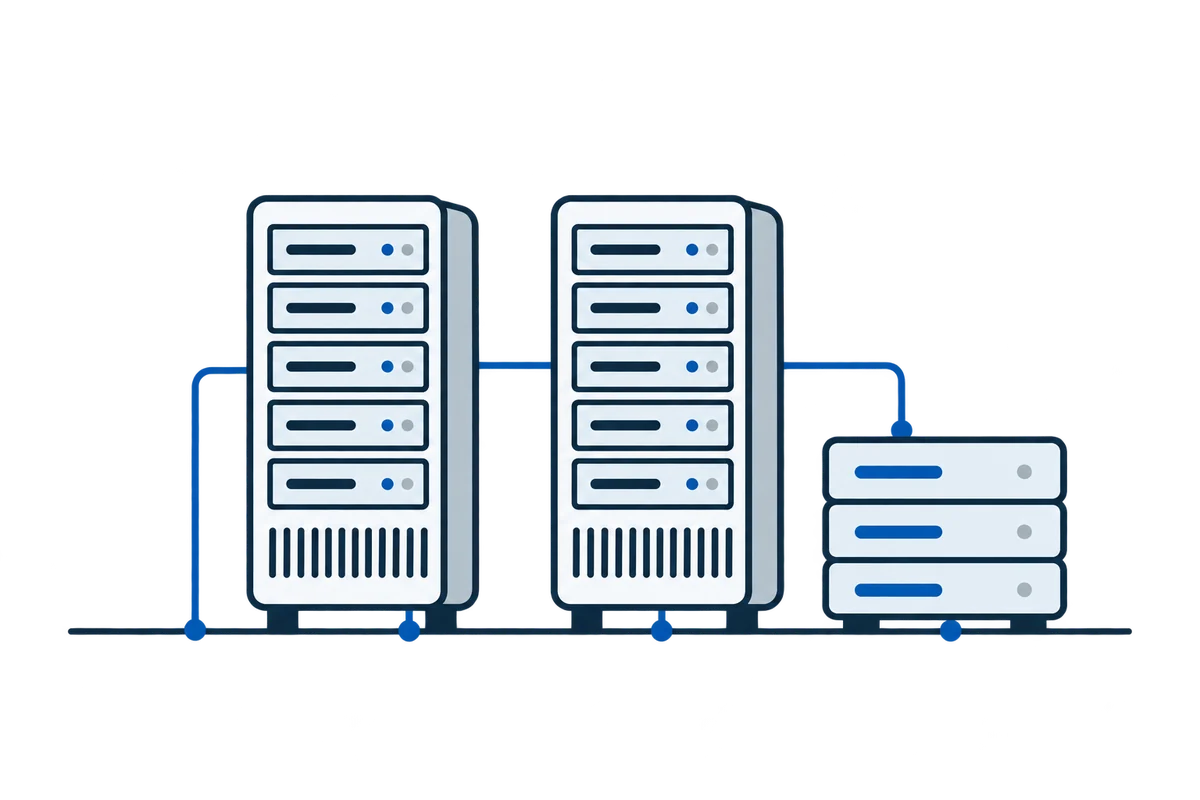
See how it comes together.
From websites and cloud resources to team access. Get to know ACMMAX Cloud Console in 40 seconds.
Watch ACMMAX in 40 seconds
From choosing resources.
To understanding the cost.
Choose a location, image and resources in one server configuration page. Compare the estimate before reviewing the final quote.
Explore cloud servers ↗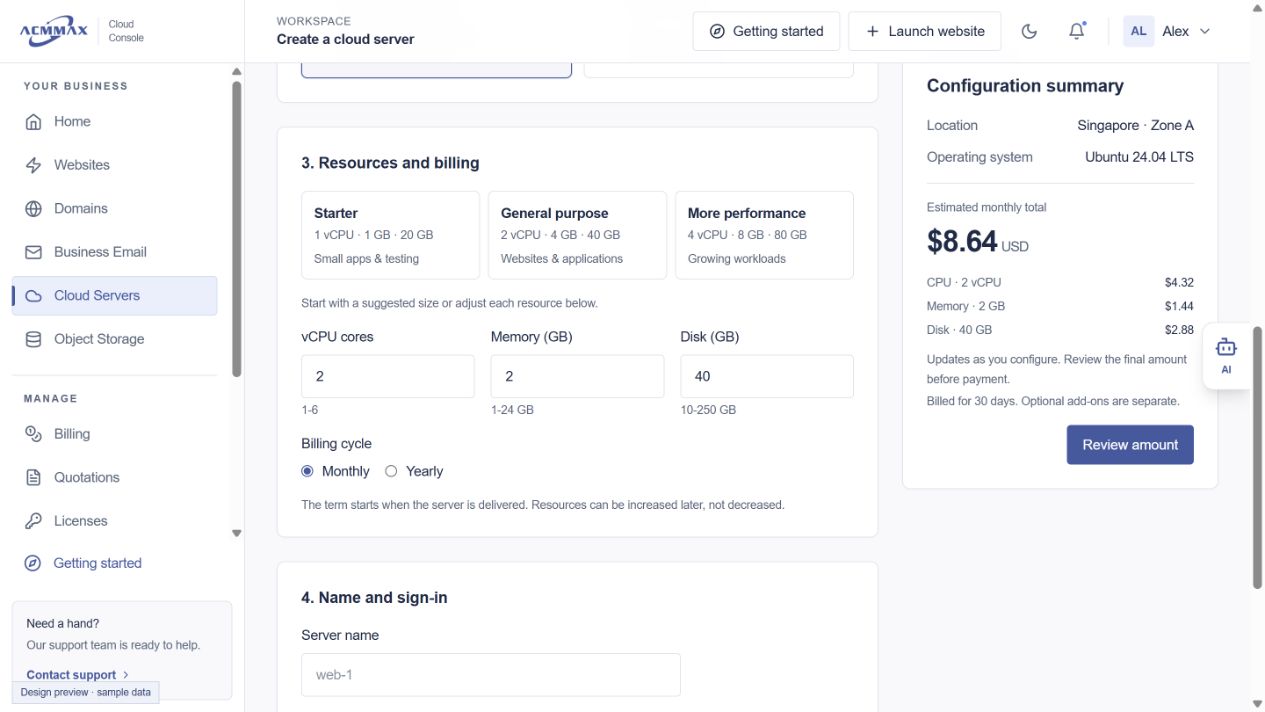
Three jobs.
A clearer way through.
See how website backups, team access and account requests fit into your everyday work.
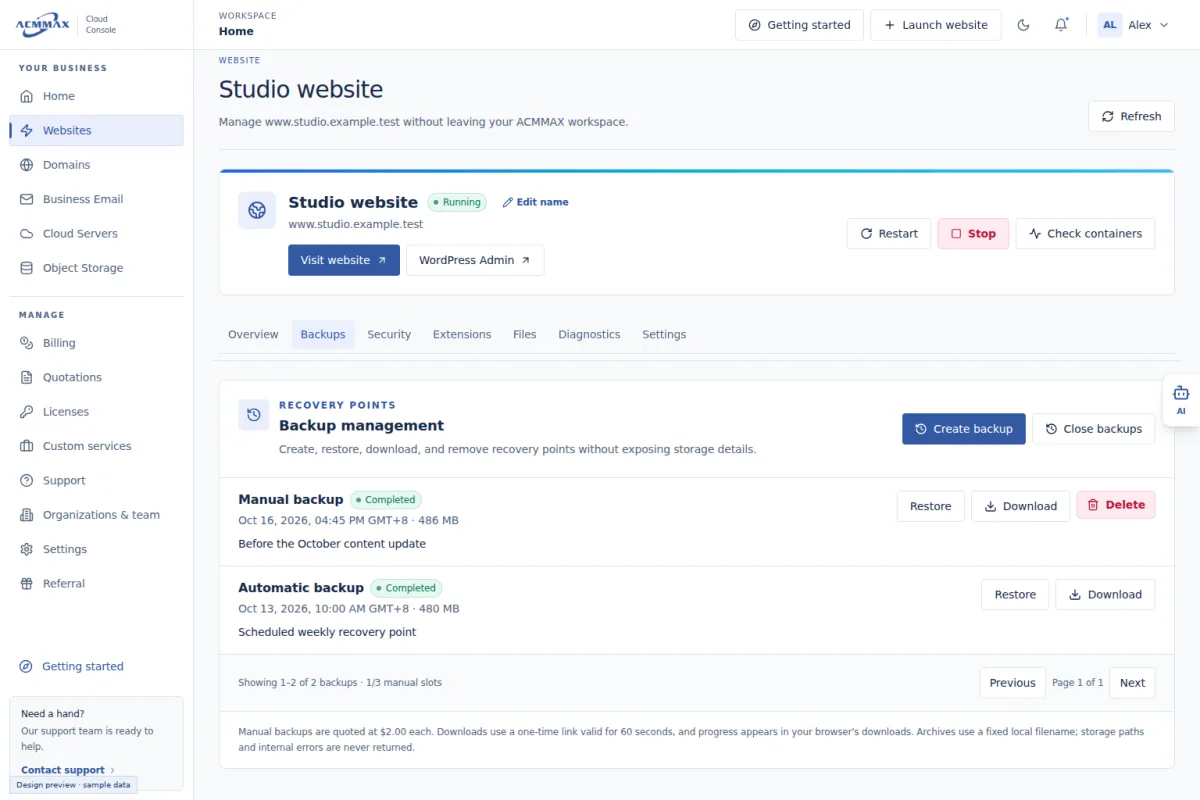
Explore the platformBefore changing your website.
Open the website, review its available backups, and check the recovery options before making a change.
- 01Choose the website
- 02Review available backups
- 03Check recovery options
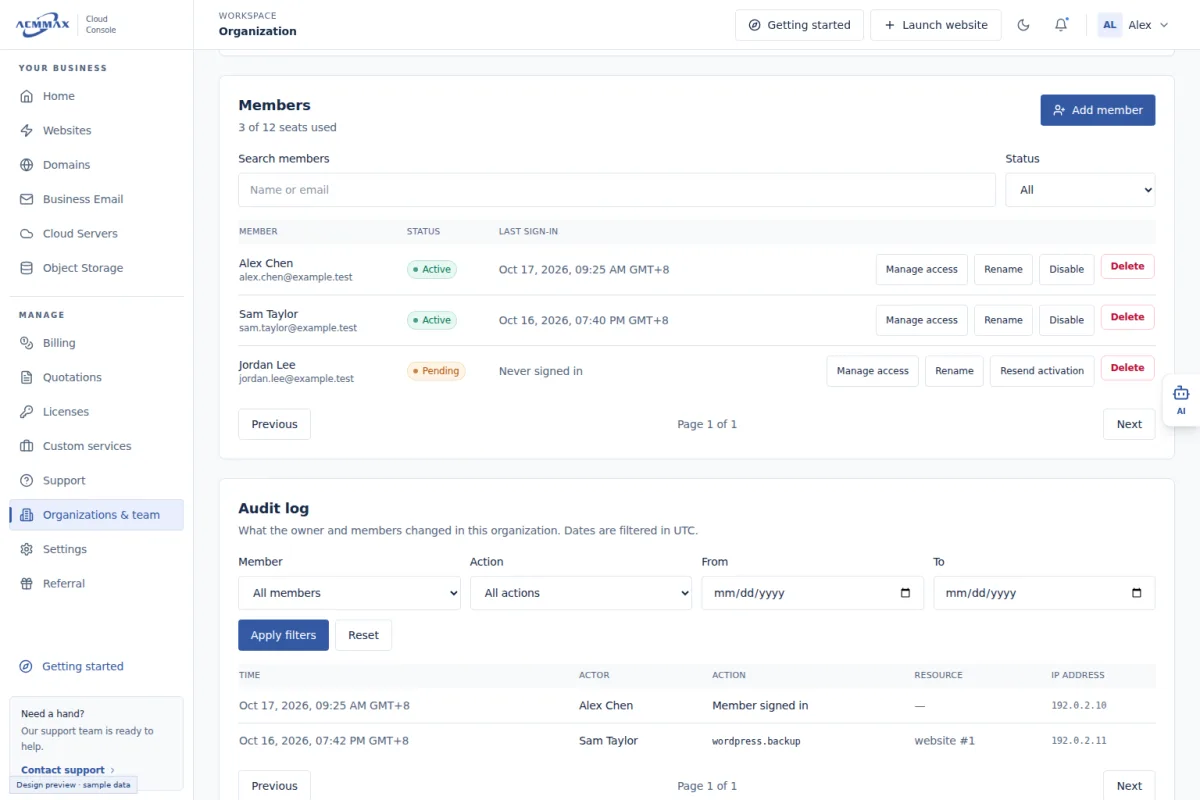
When someone joins your project.
Check the organization and member role, then assign access to the resources the person works with.
- 01Choose the organization
- 02Review the member role
- 03Assign resource access
When you need to review an account item.
Find the relevant bill, quotation or support request. Review the details in your account before taking action.
- 01Open account operations
- 02Find the relevant item
- 03Review details or request help
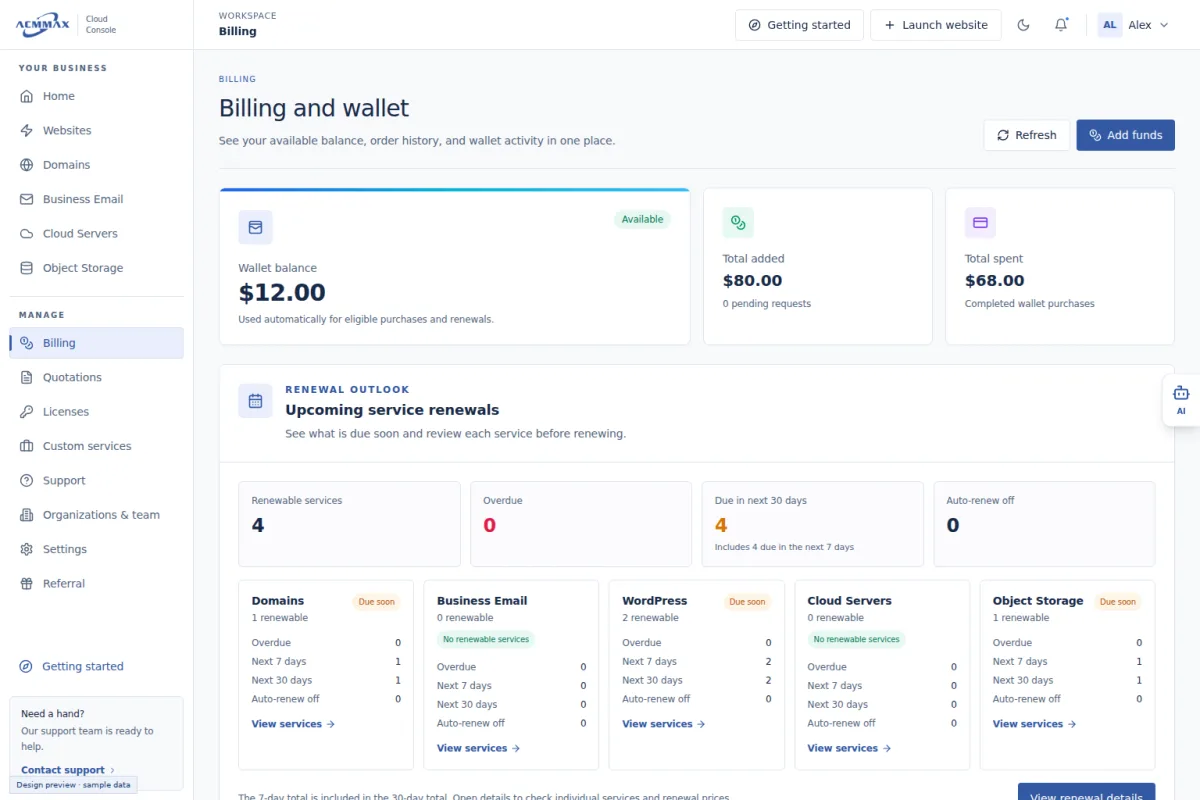
Tools for everyday operations.
- 01Resources in one place
- Move between websites, domains, email, servers and storage.
- 02A workspace for your team
- Organize access with organization and member permissions.
- 03Clear account operations
- Manage billing, quotations, licenses and service requests.
- 04Quotations & custom services
- Review quotations and track requests for your project.
- 05Licenses
- Access your existing license information in your account.
- 06Support & referrals
- Reach account support and access the referral area.
- 07Account security
- Manage account settings and available security options.
Before you get started.

What can I manage with ACMMAX?
Websites, domains, business email, cloud servers and object storage, with account tools for billing, organizations and support. Available actions depend on your service and account permissions.
Do I need a separate account for every service?
Cloud Console brings the services under one account. Organization members see the resources and actions their permissions allow.
Where can I see current pricing?
Compare current plans and configuration estimates on our Pricing page, then review the final quote in Cloud Console. Contact us for a custom project.
Can I bring an existing website or domain?
The console includes website migration and domain transfer workflows. Check the requirements for your existing service before starting.