
Business Email Versus Google Workspace Compared
Compare business email versus Google Workspace for cost, control, collaboration, and setup speed, then choose the right email system for your business.
ACMMAX Insights ·
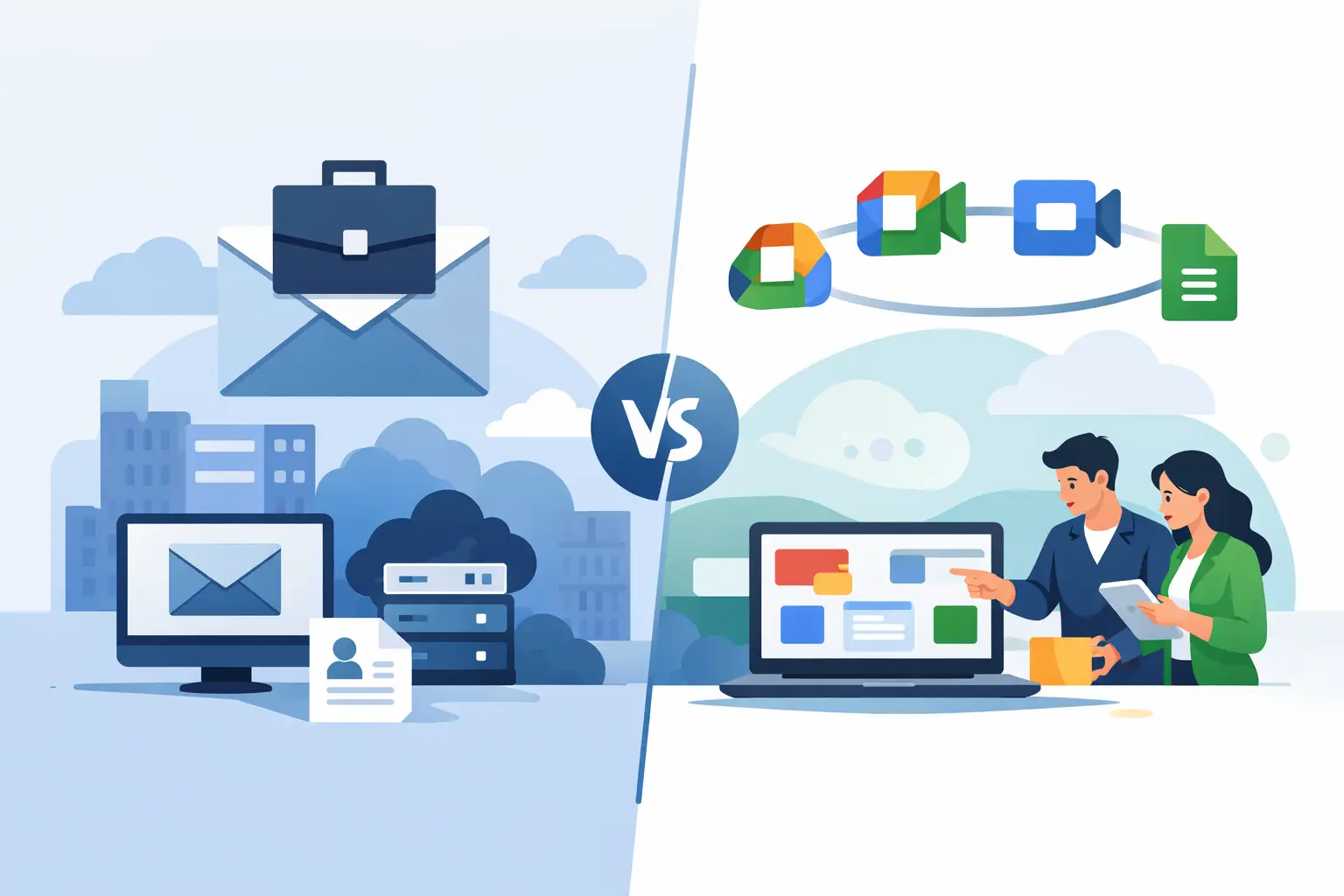
A professional inbox is more than a place to receive messages. It is where leads ask questions, clients approve work, invoices get delivered, and your team represents the company every day. The business email versus Google Workspace decision comes down to a practical question: do you need reliable branded email at the lowest operational cost, or a broader productivity suite built around collaboration?
For many small businesses, the answer is not about which option is universally better. It is about paying for the tools your operation will actually use. A solo consultant sending client proposals has different needs than a 20-person agency editing documents together all day.
Business email versus Google Workspace: the core difference
Business email gives you a professional address on your own domain, such as hello@yourcompany.com or support@yourcompany.com. Its primary job is secure, credible email communication under your brand. Depending on the provider and plan, it may also include contacts, calendars, webmail access, spam filtering, email forwarding, and storage.
Google Workspace includes business email through Gmail, plus a connected set of productivity applications. Those commonly include Google Drive, Docs, Sheets, Slides, Meet, Calendar, shared drives, administrative controls, and collaboration features. You are paying for email, but you are also paying for an integrated work environment.
That difference affects your monthly budget, setup process, employee onboarding, and how many separate tools your team needs to manage.
| Area | Business Email | Google Workspace |
|---|---|---|
| Main purpose | Branded, professional email | Email plus productivity and collaboration tools |
| Best for | Owners, freelancers, small teams, customer-facing inboxes | Teams that work heavily in shared Google files and meetings |
| Typical cost structure | Lower-cost email-focused plans | Higher per-user cost for the full suite |
| Setup needs | Domain connection and mailbox creation | Domain connection, user setup, and workspace administration |
| Collaboration tools | May be limited or use separate software | Built into the platform |
When business email is the smarter purchase
Choose business email when professional communication is the requirement and the rest of your software stack is already working. If you use Microsoft Office, project management software, a CRM, or another document platform, adding an expensive collaboration suite simply because you need an inbox can create unnecessary overlap.
This is especially common for entrepreneurs building a first online presence. You may need a domain, website, hosting, and a branded email address quickly. A focused business email service lets you create sales@, billing@, support@, or yourname@ addresses without forcing every mailbox into a larger software subscription.
Cost control is another major advantage. Per-user software expenses can grow quietly as you add contractors, sales representatives, support staff, and department inboxes. If most users only need to send and receive email, an email-first plan protects your margins while keeping your brand credible.
Business email also works well for role-based addresses. A small ecommerce company might need orders@, returns@, and support@. A local service business may need info@ and bookings@. These mailboxes are operational tools, not necessarily full collaboration accounts for employees editing shared presentations.
The trade-off is clear: email-only services may not provide the same integrated file editing, shared storage, video meetings, and team controls found in Google Workspace. You will need to select those tools separately if your team depends on them.
What to check before choosing a business email plan
Do not compare providers on price alone. Confirm how much mailbox storage is included, whether mobile and webmail access are available, how spam and virus filtering works, and whether you can create aliases or forwarding rules. You should also check migration options if you already have email elsewhere.
For a growing company, domain-level administration matters. You want a simple way to add users, reset passwords, suspend former staff accounts, and create addresses as new departments or client projects appear. A low entry price is valuable only if routine administration does not become a technical burden.
When Google Workspace earns its higher price
Google Workspace makes sense when collaboration is central to how your business delivers work. Agencies sharing campaign documents, remote teams holding frequent video meetings, and operations groups maintaining shared spreadsheets can benefit from keeping email, calendars, files, and communication tools inside one environment.
Its familiar Gmail interface can also reduce training time. New hires often already know how to use Gmail, Google Calendar, and Google Drive. That familiarity can be useful when you are moving fast and do not want to spend days teaching a new platform.
Google Workspace is particularly effective if your team regularly works on the same files at the same time. Instead of emailing attachments back and forth, employees can comment, edit, review version history, and manage access from one shared location. For teams producing content, proposals, reports, and client deliverables every week, that can save real time.
However, those gains depend on adoption. If your staff still stores documents in another system, uses another meeting app, and rarely collaborates in Google files, you may be paying for a suite that does not change daily operations. The right question is not whether Google Workspace has more features. It does. The question is whether those features replace tools you already pay for or actually improve your workflow.
Compare the real monthly cost, not just the inbox
A better business email versus Google Workspace comparison looks beyond the first user price. Calculate the cost based on the number of people and functional mailboxes you expect to have in 12 months, not just today.
Start with your employees, contractors, and shared inboxes. Then look at the software they use for file storage, documents, calendars, video calls, and internal communication. If Google Workspace can replace several paid tools, its higher per-user price may be efficient. If it only adds another dashboard, focused business email is often the cleaner choice.
Also consider the cost of fragmentation. Running your domain with one company, hosting with another, email with a third, and storage with a fourth can make renewals, billing, and technical support harder to manage. For businesses that value speed, a consolidated provider can reduce administrative work. ACMMAX is built around that practical model, bringing domains, hosting, cloud services, storage, and branded email into one account.
Centralization should not mean buying products you do not need. It means keeping the services you do need easier to manage, easier to renew, and easier to scale.
Security and ownership are not optional
Whether you choose business email or Google Workspace, set up your domain authentication correctly. SPF, DKIM, and DMARC help receiving mail servers verify that messages sent from your domain are legitimate. Without them, legitimate sales emails and invoices are more likely to land in spam or be impersonated by bad actors.
Use strong unique passwords and enable multi-factor authentication for every administrator and mailbox user. Limit administrator access to the people who truly need it. When an employee leaves, remove access immediately, review forwarding rules, and decide who owns their customer conversations.
Your domain is the foundation of email ownership. Keep domain registration details current, use renewal protection where available, and make sure the business, not an outside freelancer, controls the account. Losing control of a domain can disrupt email, websites, customer trust, and recovery processes at the same time.
A practical decision framework
Business email is usually the best fit if you need a polished address on your domain, want predictable low costs, and already have your preferred tools for documents and collaboration. It is a direct solution for businesses that need to communicate professionally without adding software overhead.
Google Workspace is usually the better fit if shared documents, cloud storage, calendars, and video meetings are core to your team's daily production. It is not just an email purchase. It is a decision to standardize how your organization creates, stores, shares, and manages work.
If you are uncertain, start by mapping one normal workweek. Count how often your team co-edits files, schedules internal meetings, shares folders, and searches for past documents. Buy for those habits, not for a feature checklist. The best email platform is the one that makes your business look professional while removing work from the way your team actually operates.

