
Business Email vs Free Email: Which Wins Trust?
Business email vs free email affects trust, security, ownership, and growth. See which inbox fits your business and when it is time to upgrade for scale.
ACMMAX Insights ·
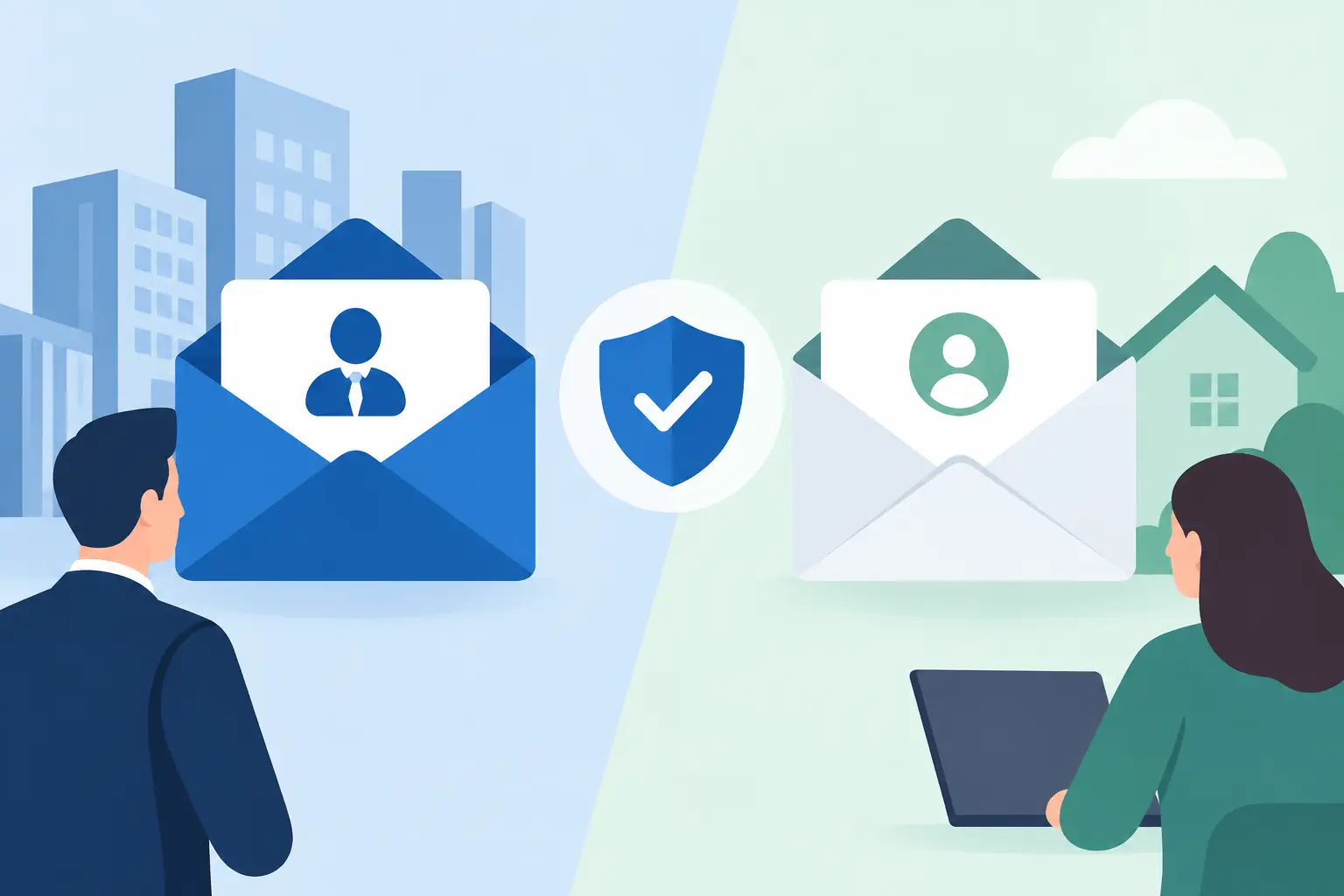
A prospect is ready to ask for a quote. They visit your site, find your contact address, and see yourbrand@gmail.com. Nothing is technically wrong with that inbox, but it creates a small, costly question: is this a real operating business or a side project? The business email vs free email decision affects that first impression, along with who controls your communications when your team, website, and customer base grow.
For a freelancer sending a few messages a week, a free inbox can be a sensible starting point. For a business that owns a domain, runs client work, processes orders, or wants to look established from day one, a branded address is usually the better operational choice. It is an affordable upgrade that puts your company name at the center of every conversation.
Business Email vs Free Email at a Glance
| Area | Business email | Free email |
|---|---|---|
| Address | name@yourcompany.com |
yourcompany@gmail.com or similar |
| Brand visibility | Your domain appears in every message | The provider's domain appears instead |
| Ownership | Managed under a business-controlled domain and admin account | Often tied to one person's account |
| Team setup | Create role-based addresses and separate user accounts | Usually requires shared passwords or personal inboxes |
| Scalability | Built for new hires, departments, aliases, and records | Becomes harder to organize as volume increases |
| Cost | Recurring fee, often low per mailbox | No direct mailbox fee, but higher operational trade-offs |
The main distinction is not whether a message can be sent or received. Both options do that. The difference is whether email works as a controlled business asset or as a personal tool your business happens to use.
Your Email Address Is Part of Your Brand
A domain-based email address reinforces the name customers see on your website, invoices, proposals, and social profiles. sales@northstarstudio.com looks connected to a real company because it is. It tells customers that the sender has invested in a domain and has a consistent identity across their digital presence.
That signal matters most when trust has to be earned quickly. Agencies pitching new clients, e-commerce stores handling order questions, consultants sharing contracts, and local service businesses booking high-value jobs all benefit from a professional sending address. A polished website paired with a free email address creates a mismatch that customers notice, even if they do not say it aloud.
Free email does not automatically make a business untrustworthy. Plenty of successful companies began with Gmail or Outlook.com. But once you own a domain, continuing to send from a generic address leaves an easy credibility win on the table. Branded email is one of the few business upgrades customers see every time you communicate.
Ownership Matters More Than Most Businesses Expect
The biggest risk with free email often appears later, when the company is no longer a one-person operation. If customer conversations, vendor logins, payment notices, and business files all live in a founder's personal inbox, transferring access becomes messy. The company may depend on an account created years ago with a personal recovery email, personal phone number, and a password nobody else knows.
Business email gives you a cleaner structure. Each team member can have an individual mailbox, while role-based addresses such as support@, billing@, and hello@ remain under company control. When someone leaves, you can suspend the mailbox, redirect incoming messages, and preserve the communication trail without changing the public contact address.
This approach also prevents the shared-inbox shortcut. Sharing one free email password among several people is convenient for a week and difficult for years. It weakens accountability, creates security exposure, and makes it unclear who replied to a customer. Separate accounts and role-based routing give small teams a more professional workflow without enterprise-level complexity.
Security Is a Setup Issue, Not Just a Provider Issue
Free mailbox providers can have strong security features, including multi-factor authentication and suspicious-login alerts. A business address is not secure simply because it uses your domain. Security depends on how you configure accounts, passwords, recovery methods, permissions, and email authentication.
Still, a business email system makes it easier to apply these controls consistently. An administrator can add or remove users, require stronger sign-in practices, limit access, and keep business recovery details separate from personal ones. That control becomes valuable when a contractor needs temporary access, an employee changes roles, or a lost device creates risk.
For reliable delivery, your domain should also have the right DNS records in place. SPF, DKIM, and DMARC help receiving servers verify that messages claiming to come from your domain are authorized. This reduces spoofing risk and improves the chances that legitimate mail reaches the inbox rather than the spam folder.
The trade-off is responsibility. A free account is quick because the provider handles most setup choices. Business email requires a domain, mailbox configuration, and basic DNS management. A platform that keeps domains, hosting, and email in one account reduces that setup friction and makes ongoing administration easier.
A Free Inbox Can Cost More Than Its Price Tag
Free email saves money upfront, which makes it attractive for early-stage operators. If you are validating an idea, have no website yet, and only need a personal contact channel, paying for a custom mailbox may not be urgent. The right move is not to buy every tool before you have a business to support.
But evaluate the full cost, not just the monthly fee. A generic address can lower confidence during sales conversations. Shared access can waste time. Moving years of customer communication later can be disruptive. Replacing a public email address across websites, directories, invoices, receipts, and marketing materials can create missed messages during the transition.
For many small businesses, the practical threshold is simple: if you are accepting payments, sending proposals, managing customers, or promoting a business domain, use business email. The cost is generally modest compared with the value of a more credible brand and better account control.
The Best Setup for Small Teams
Start with an address format that is easy to remember and does not depend on one employee. A founder might use jane@yourcompany.com, while public-facing needs are handled through addresses such as hello@yourcompany.com, sales@yourcompany.com, or support@yourcompany.com. Personal mailboxes maintain accountability; role-based addresses protect continuity.
Keep customer-facing email aligned with the domain used by your website. If your website is on yourcompany.com, send business communications from that same domain whenever possible. This creates a clear, consistent experience and avoids confusing customers with multiple unrelated identities.
Use aliases thoughtfully. An alias can direct mail from several addresses into the right inbox without paying for unnecessary separate accounts. For example, a solo consultant may receive bookings@, billing@, and contact@ in one managed mailbox. As the team expands, those addresses can be assigned or routed to dedicated users without changing what customers already know.
ACMMAX is designed for this kind of practical consolidation: your domain, branded email, hosting, storage, and website operations can sit under one account instead of being scattered across vendors. That means less time chasing login details and DNS settings, and more time serving customers.
When Free Email Is Still the Right Choice
There are valid cases for a free address. A student building a portfolio, a freelancer testing a new service, or a person running a temporary project may not need a dedicated domain mailbox immediately. Free email also works well as a private recovery contact or personal account that should remain separate from work.
Just do not confuse a temporary starting point with a long-term system. Once customers rely on your email address, changing it becomes more complicated. If your business has a name worth protecting, a website worth promoting, and relationships worth retaining, connect your communications to the domain you control.
Choose the inbox that supports the business you are building next month, not only the one that is easiest to open this afternoon. A branded address is a small operational decision that makes every proposal, reply, and customer interaction look more intentional.

