
Cloud Computing for Businesses That Need Speed
Cloud computing gives growing businesses flexible servers, storage, and tools without expensive hardware. Learn how to choose the right cloud setup today.
ACMMAX Insights ·
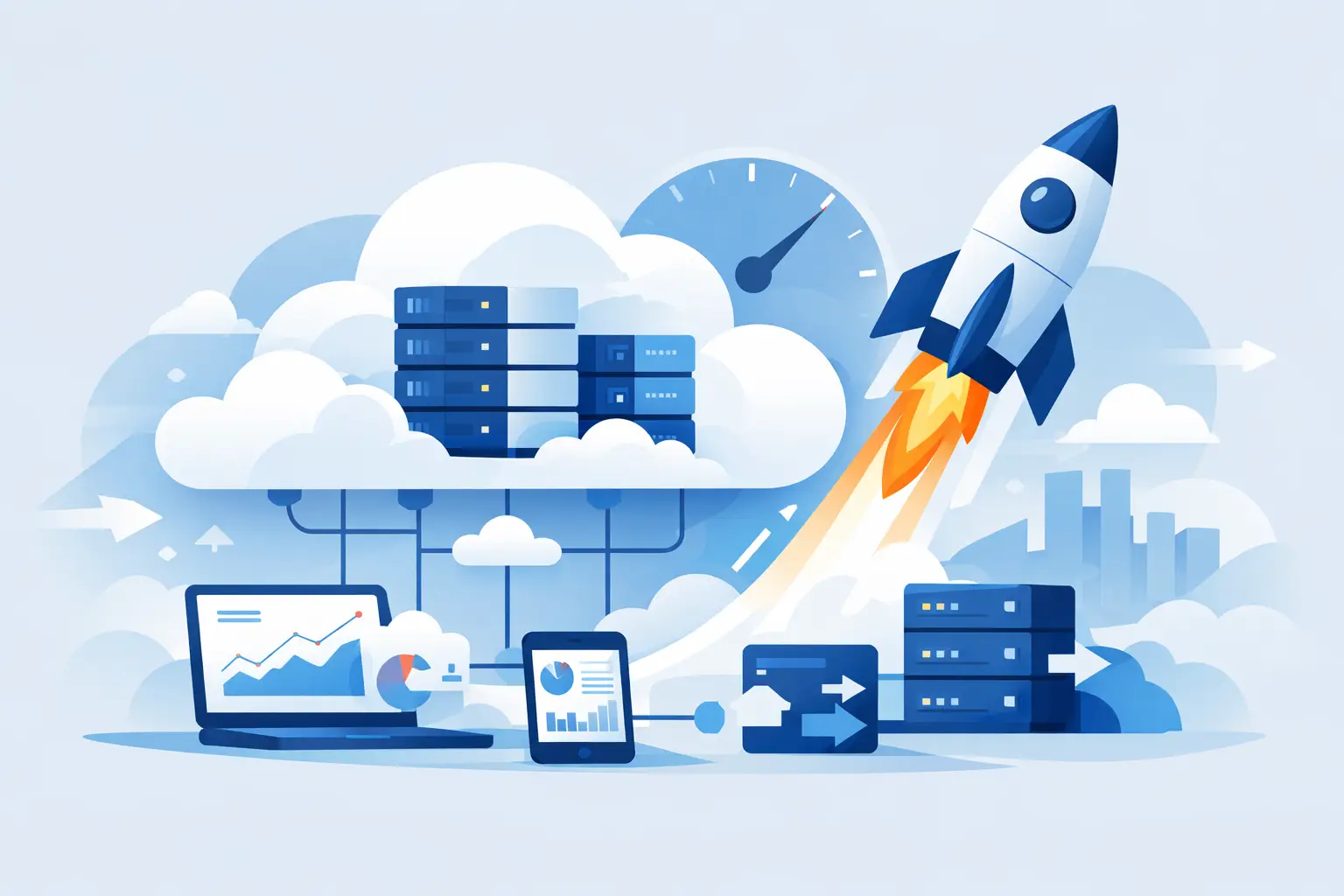
A slow launch costs more than patience. It can mean a missed campaign, an abandoned checkout, a client waiting for access, or a developer stuck configuring hardware instead of shipping a product. Cloud computing changes that equation by giving businesses access to computing power, storage, and online services when they need them, without buying and maintaining physical servers.
For entrepreneurs and growing teams, the real value is not just technical flexibility. It is the ability to launch a website, deploy an application, store business data, create user access, and expand capacity without building an expensive infrastructure operation first. The right cloud setup lets a small business operate with capabilities that once required a dedicated IT department.
What Cloud Computing Actually Means
Cloud computing is the delivery of computing resources over the internet. Those resources can include virtual servers, data storage, databases, networking, backup capacity, software, and managed applications. Instead of owning the physical machines, your business rents the resources it uses from a provider.
Think of it as moving from ownership to consumption. Buying servers requires upfront capital, setup time, space, cooling, maintenance, replacements, and technical staff. A cloud virtual machine can be activated in minutes, configured for a specific workload, and billed based on the plan or usage model.
That does not mean every business should move every system to the cloud. Some companies have compliance requirements, legacy equipment, or predictable workloads that make dedicated infrastructure practical. But for most online businesses, the cloud removes the biggest early barriers: cost, complexity, and time to launch.
Why Cloud Computing Fits Growing Businesses
Cloud services are especially useful when demand is uncertain. A new online store may receive 100 visitors on a normal day and 20,000 after a successful social campaign. A digital agency may need isolated server environments for several clients. A software startup may need a development server today, then multiple production workloads after gaining customers.
Traditional hardware is hard to resize. You either buy more capacity than you currently need or risk running out of resources at the worst possible moment. Cloud infrastructure gives you more room to match resources to the stage of your business.
Lower upfront costs, clearer operating costs
A physical server is a large commitment before it does any work. Cloud plans shift that commitment into a recurring operating expense. You can start with an entry-level virtual machine or managed hosting plan, then upgrade when traffic, storage, or application requirements increase.
Price still matters, however. Pay-as-you-go billing is useful only when you understand what is being measured. Review included storage, bandwidth, backup costs, IP addresses, managed services, and overage fees before deploying. Transparent pricing is not a minor detail - it is what keeps flexibility from becoming an unpredictable monthly bill.
Faster deployment and experimentation
Speed is a business advantage. A cloud server can support a staging environment, a client demo, a new web application, a game server, an automation tool, or an internal dashboard without waiting for hardware procurement.
That speed also makes testing less risky. If a project does not work, you can remove the environment rather than being left with equipment that has already consumed your budget. For founders and agencies, this makes experimentation more accessible without treating every new idea as a major capital investment.
Better support for remote operations
Modern teams do not always work from one office. Cloud-hosted tools and infrastructure make it easier for authorized employees, contractors, and developers to access the resources they need from different locations. A centralized dashboard also reduces the confusion that comes from tracking domains with one provider, email with another, storage elsewhere, and hosting across several separate accounts.
Centralization does not eliminate the need for access controls. It makes them easier to manage. Your business should still use individual user accounts, strong passwords, multi-factor authentication where available, and clear ownership of critical services.
The Core Cloud Services Most Businesses Need
Not every company needs a complex architecture. Most online operators can begin with a practical combination of services that solve immediate business problems.
Virtual machines for control and flexibility
A cloud virtual machine, often called a VM or VPS, is a virtual server with assigned CPU, memory, storage, and an operating system. It is a strong choice when you need control over application settings, server software, development environments, or custom configurations.
VMS are useful for developers, agencies, SaaS projects, automation workflows, and businesses running software that does not fit inside standard shared hosting. The trade-off is responsibility. More control means you may need to handle updates, security configuration, monitoring, and troubleshooting unless management is included.
Managed hosting for business websites
Managed hosting is designed for owners who want a reliable website without spending their week administering a server. For WordPress sites, this can reduce the technical burden of updates, performance optimization, backups, and core server maintenance.
It is often the smarter choice for a company website, blog, portfolio, or lead-generation site. A VM may offer more freedom, but managed hosting is usually faster for teams whose priority is publishing content, capturing leads, and keeping the site available.
Object storage for files that need to scale
Object storage is built for large volumes of files such as images, videos, backups, product assets, documents, and application data. Unlike a standard server disk, it is designed to store objects at scale and retrieve them through compatible tools and applications.
S3-compatible object storage is particularly useful because many backup tools, media platforms, and developer workflows already support the S3 standard. For an online business, it can separate file storage from web hosting, helping keep websites lean while protecting important assets.
Business email and domains for credibility
Cloud computing is not limited to servers. Business email, domain management, and DNS are also critical parts of your online infrastructure. A branded email address tied to your domain builds more trust than a generic mailbox, while centralized domain controls help prevent expired registrations and disconnected website records.
These services should be treated as operational essentials, not afterthoughts. Your domain is the address customers use to find you. Your email is often where invoices, password resets, client approvals, and sales conversations happen.
How to Choose the Right Cloud Setup
The best plan starts with your workload, not the biggest specifications on a pricing page. Ask what you are launching, who will manage it, how much traffic or storage you expect, and what happens if it goes offline.
A first website may only need a domain, business email, and managed WordPress hosting. An agency may need separate hosting environments, object storage for client assets, and scalable VMs for custom work. A developer building an app may prioritize CPU, memory, root access, deployment speed, and API-compatible storage.
Before choosing a provider, evaluate these practical areas:
- Deployment speed: Can you activate the service and begin work within minutes?
- Pricing clarity: Are monthly costs, usage charges, renewals, and add-ons easy to understand?
- Control level: Do you need managed hosting, a self-managed VM, or both?
- Storage and backup: Is there a clear plan for files, databases, retention, and recovery?
- Support and account management: Can your team manage domains, email, hosting, and billing without jumping between vendors?
The goal is not to buy every service immediately. It is to build a stack that supports the next stage of growth without creating unnecessary technical overhead.
Security Is a Shared Responsibility
Cloud providers secure the underlying infrastructure, but customers still have responsibilities. A secure platform cannot protect a weak administrator password, a publicly exposed database, outdated application plugins, or a deleted file with no backup.
Start with the basics: limit administrative access, update software consistently, use separate credentials for team members, remove accounts when people leave, and test how you would restore your website or data after an error. If you run a VM, configure firewall rules and disable services you do not need. If you store files, make sure public access settings match the purpose of each storage bucket.
Security should be proportional to the risk. A basic brochure site and a customer portal holding private information do not require the same controls. What they both require is intentional ownership.
Build for the Business You Are Becoming
Cloud computing works best when it supports momentum rather than adding another system to manage. Start with the services that remove your current bottleneck, whether that is launching a site, hosting a client project, storing media, or setting up professional email.
ACMMAX brings these essentials into one account so businesses can move from domain registration to hosting, storage, email, and cloud deployment without assembling a patchwork of vendors. That kind of centralized control is valuable when your time should be spent winning customers and improving operations.
Choose infrastructure that is affordable at launch, clear in its pricing, and capable of expanding with your workload. The best cloud setup is not the most complicated one. It is the one that gets your business online quickly and stays out of the way while you build what comes next.

