
How to Choose Managed WordPress Hosting Wisely
Learn how to choose managed WordPress hosting for speed, security, support, and scalable costs without adding unnecessary tools or technical overhead.
ACMMAX Insights ·
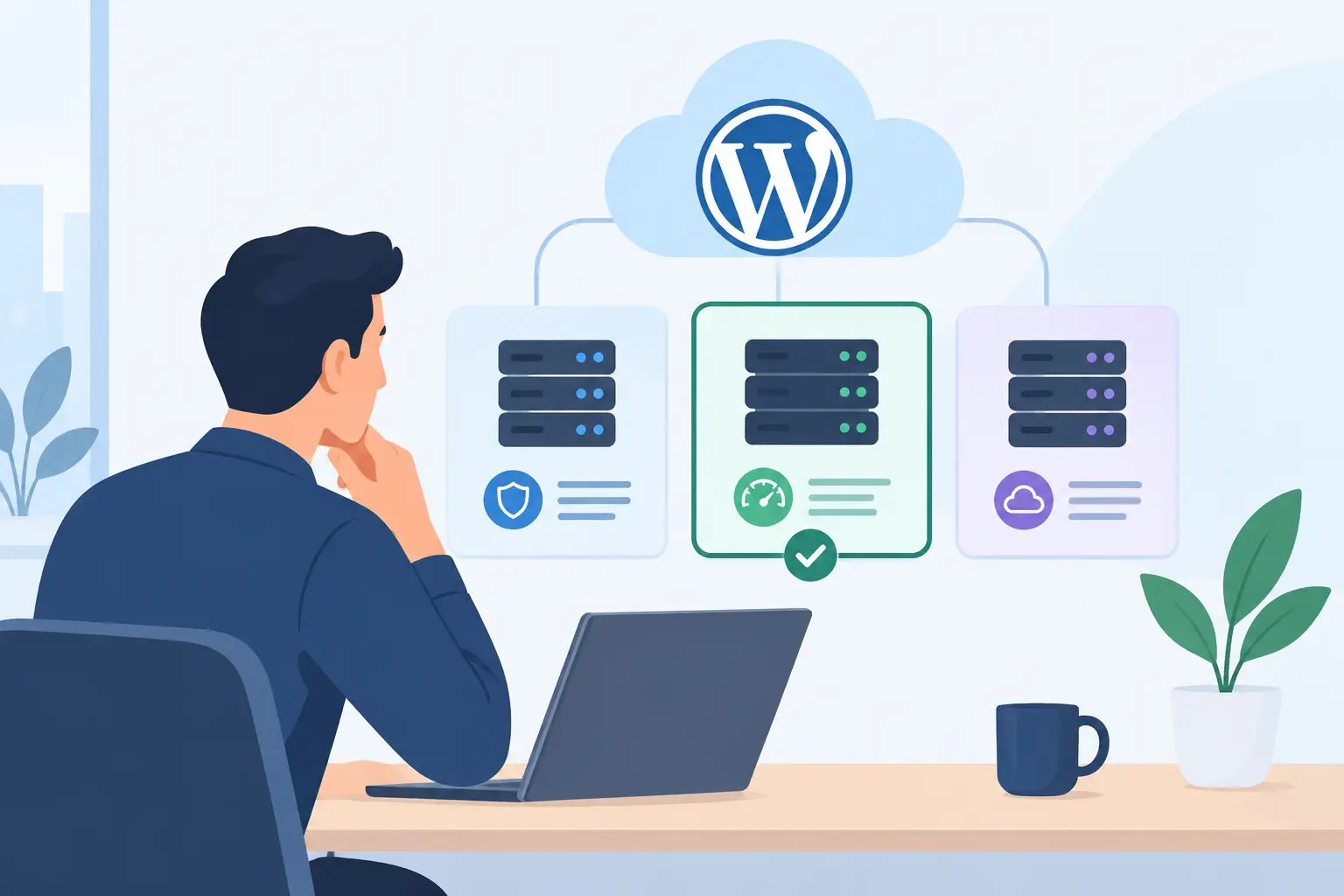
A slow checkout page, a failed plugin update, or a site that goes down during a campaign can cost more than a cheap hosting plan saves. When you choose managed WordPress hosting, you are not simply buying server space. You are deciding how much of the technical work your business will keep in-house and how much it will hand to a provider.
For entrepreneurs, agencies, and growing online operators, the right plan should remove operational friction without locking you into features you will never use. The goal is straightforward: a faster, safer WordPress site with predictable costs and less time spent fixing infrastructure problems.
Start With the Work You Want Hosting to Handle
Managed WordPress hosting is built specifically for WordPress. Unlike a basic shared hosting package, it typically includes WordPress-focused maintenance such as automated backups, security monitoring, caching, performance tuning, and platform-level support.
The value is not that every task disappears. You will still manage your content, users, themes, and business-specific plugins. The difference is that the host takes responsibility for the environment underneath your site. That includes keeping the server stack healthy, helping prevent common attacks, and making recovery less painful when something breaks.
Before comparing plans, identify where your time currently goes. If you regularly update plugins manually, troubleshoot speed issues, restore backups, or coordinate between a developer and a separate hosting company, managed hosting can be a practical upgrade. If you run a very small brochure site with limited traffic and no revenue dependency, a simpler plan may be enough for now.
Choose Managed WordPress Hosting Based on Business Risk
A hosting decision should match the cost of downtime, not just the monthly price. A personal portfolio can tolerate an occasional delay. An ecommerce store, lead-generation site, membership platform, or agency client site cannot afford the same risk.
Ask what happens if your website is unavailable for two hours. Do you lose sales, ad spend, leads, client trust, or access to customer information? Then ask how quickly you could restore it without expert help. These answers point to the level of backup, support, and performance capacity you need.
A low introductory price may work for a new project, but it should not be the only reason to buy. Check the renewal price, resource limits, overage policy, migration fees, and charges for essential add-ons. Transparent pricing gives you room to grow without turning normal traffic gains into unexpected invoices.
A practical fit check
| Your situation | What to prioritize |
|---|---|
| First business website | Easy setup, automatic backups, clear support, simple pricing |
| Ecommerce or bookings | Fast page delivery, daily backups, security controls, dependable uptime |
| Agency managing clients | Separate site environments, staging, access controls, scalable resources |
| Content site with growing traffic | Caching, CDN compatibility, traffic capacity, upgrade options |
| Developer-led project | SSH or developer tools where needed, staging, logs, configurable environments |
The strongest plan is not always the most expensive one. It is the one that fits your current workload while providing a clear, affordable path when traffic or complexity increases.
Check Performance Beyond Marketing Claims
Every hosting provider says it is fast. Look past broad promises and find out what produces that speed. WordPress performance depends on server resources, caching, database handling, PHP configuration, image optimization, theme quality, plugins, and visitor location.
A managed plan should make the fundamentals easier. Server-side caching reduces repeated work for each visitor. Current PHP versions and properly configured databases help WordPress respond faster. A content delivery network can reduce load times for visitors who are far from the main server location.
You should also confirm how the plan handles traffic spikes. A post that performs well on social media or a successful promotion can create a sudden jump in visitors. Some providers slow sites down, charge overages, or restrict access when limits are reached. Others offer a clearer upgrade route. Neither approach is automatically wrong, but the terms should be visible before your campaign launches.
Do not assume managed hosting can overcome a poorly built website. A heavy page builder, oversized images, abandoned plugins, and unoptimized product pages can still hurt speed. Good hosting gives your site a stronger foundation, but site maintenance remains part of the equation.
Treat Backups and Security as Operating Requirements
Backups are only useful when they are recent, accessible, and easy to restore. Look for automatic backup frequency, retention length, on-demand backup options, and the process for restoring a single site. A provider that says backups are included should make those details clear.
For a store or active membership site, daily backups may be the minimum. If orders, bookings, or user data change throughout the day, ask whether more frequent recovery options are available. You should also know whether backups are stored separately from the main hosting environment. Separation matters when a server issue affects the primary system.
Security should be equally specific. Useful managed protections can include malware scanning, a web application firewall, DDoS mitigation, login protection, SSL certificates, and monitored updates. No host can guarantee that a vulnerable plugin will never create a problem. What matters is how quickly threats are detected, how clearly the provider communicates, and whether recovery is straightforward.
Keep responsibility in view. Your host can protect the platform, but your team still needs strong passwords, limited administrator access, reputable plugins, and a process for removing unused accounts.
Make Support Part of the Product Comparison
Support is often where inexpensive hosting becomes expensive. A generic support team may help with account access, but WordPress problems often require someone who understands plugin conflicts, cache behavior, database errors, migrations, and failed updates.
Review support availability and channels before you need help. Is assistance offered around the clock? Is support limited to chat, or can you open a ticket with detailed technical information? Are there clear boundaries between hosting support and website development work? A provider should be honest about what it will fix and what requires a developer.
For agencies and technical teams, staging environments matter just as much. Staging lets you test a new theme, plugin update, or code change before pushing it to the live site. That reduces the chance that a routine change becomes a public outage. For beginners, one-click installation and guided migration may matter more than advanced workflow tools.
Avoid Fragmented Operations Where It Creates Extra Work
Hosting rarely operates alone. Your domain, business email, storage, website builder, cloud resources, and marketing tools all affect how quickly you can launch and maintain an online presence. Using specialist services can make sense when you need a particular capability. But unnecessary vendor sprawl creates more bills, logins, renewal dates, and support handoffs.
This is where an all-in-one platform can be useful. For example, ACMMAX brings managed hosting, domains, email, cloud resources, object storage, and website tools into one account, which can reduce setup time for businesses that want centralized control. The advantage is operational simplicity, not forcing every business into the same technical setup.
Check whether your host integrates cleanly with the services you already depend on. Domain DNS controls, email configuration, SSL setup, storage, analytics, and migration support should not become a maze of separate dashboards. Centralization is valuable when it lowers administrative work while preserving the flexibility your business needs.
Questions to Answer Before You Buy
Before committing, get direct answers to the following:
- What resources, traffic levels, and storage are included, and what happens when I exceed them?
- How often are backups created, how long are they retained, and can I restore my site myself?
- Which security protections are included, and which require an additional purchase?
- Is staging included, and can I test updates without affecting the live site?
- What support is available after a failed migration, plugin conflict, or traffic spike?
- What will I pay at renewal, and are there migration, cancellation, or overage fees?
These questions expose the difference between a plan that merely hosts WordPress and one that supports a working business.
A good hosting choice should give you more room to build, market, and serve customers - not another technical system to babysit. Choose the provider whose limits, support model, and upgrade path you understand clearly before your website becomes too important to move casually.

