
MinIO Object Storage Hosting Explained
MinIO object storage hosting gives businesses scalable, S3-compatible storage with simple pricing, fast deployment, and less infrastructure overhead.
ACMMAX Insights ·
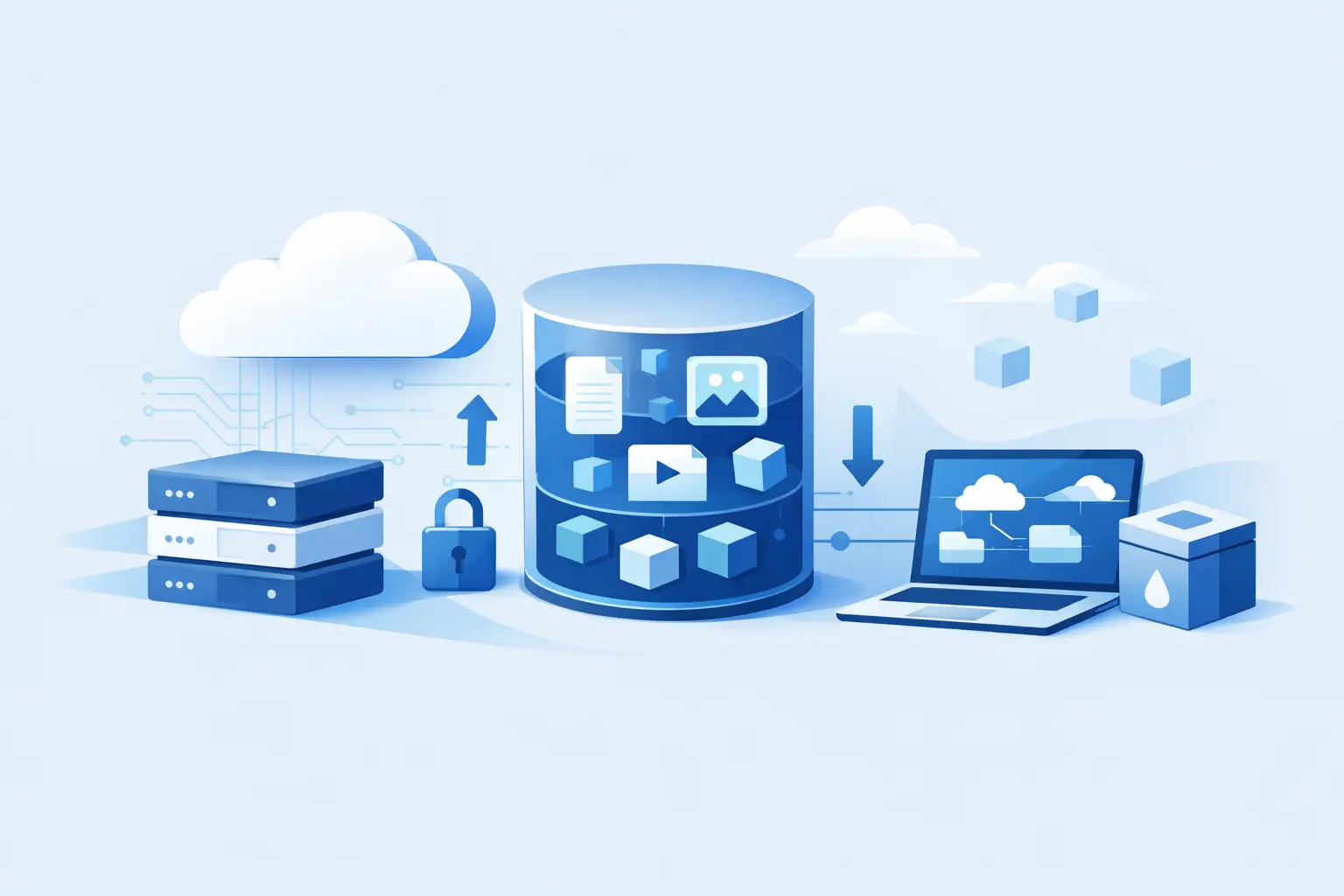
If your files are growing faster than your server disk, you do not need a bigger mess. You need a better storage model. That is where minio object storage hosting starts making sense for startups, agencies, developers, and online businesses that want scalable file storage without piling more complexity onto their stack.
Object storage is built for modern workloads. Instead of treating files like they belong on the same machine that runs your app, it stores them as objects in a separate, scalable system. That matters when you are handling website media, backups, user uploads, downloadable assets, logs, and application data across multiple projects. It is a cleaner way to scale, and for many businesses, it is cheaper and easier to manage than constantly resizing VPS disks.
What minio object storage hosting actually does
MinIO is an S3-compatible object storage platform designed for high-performance storage operations. In plain terms, it gives you a storage layer your applications can talk to using the same API style many developers already know. That compatibility matters because it reduces migration friction and makes it easier to connect websites, apps, backup tools, and custom systems.
With minio object storage hosting, files are stored as objects inside buckets instead of traditional folders on a local server. Each object includes the file itself, metadata, and a unique identifier. That structure is useful when you need scale, distribution, automation, and programmatic access. It is less useful if you are trying to replace a normal desktop file system for day-to-day office work. That distinction matters.
For business users, the practical benefit is straightforward. Your website or application can keep running compute workloads on one service while storing heavy assets somewhere built specifically for storage. That separation improves flexibility. If traffic spikes or file volume increases, you are not forced into the same upgrade path for everything.
Why businesses choose MinIO object storage hosting
Most small and mid-sized teams do not have a storage problem at first. They have a growth problem that turns into a storage problem. A WordPress site adds media every week. A SaaS app starts collecting user documents. An agency stores backups for ten client sites, then fifty. A mobile app begins serving images, videos, and downloadable updates. Suddenly local disk is no longer convenient.
MinIO appeals to these teams because it combines familiar S3-style access with the control and performance many businesses want from a hosting platform. It works well when you need file storage that is accessible by applications, not just humans logging into a control panel. It also fits businesses that want to centralize infrastructure instead of managing one vendor for compute, another for domains, another for email, and another for storage.
That said, MinIO is not automatically the right answer for every project. If you only need to store a handful of PDFs or internal documents, object storage may be more than you need. Shared hosting file storage or a business drive product could be simpler. But once your files are tied to website delivery, app logic, backups, APIs, or customer uploads, object storage becomes much more attractive.
MinIO object storage hosting vs local server storage
The easiest way to understand the value is to compare it with storing everything directly on your server.
Local server storage is simple at the beginning. Your app and files sit in one place, setup is fast, and there are fewer moving parts. The downside appears later. Server disks are tied to the machine, so scaling storage often means upgrading the whole instance. Backups get heavier. Site migrations become slower. If you run multiple applications, each one competes for the same disk resources.
MinIO object storage hosting separates storage from compute. That gives you more control over growth. Your app server can stay focused on processing requests while your objects live in a storage layer built for durability and high-volume access. It is also easier to use object storage across multiple services, environments, or projects.
There is a trade-off. Object storage usually requires a slightly different application setup. You may need plugins, API keys, endpoint configuration, or bucket policies. For experienced developers, that is normal. For beginners, it adds a learning curve. The good news is that once it is configured, ongoing management is often easier than wrestling with bloated server disks.
Common use cases that justify the switch
The strongest case for object storage is not theory. It is workload fit.
Website media is one of the most common examples. If you run content-heavy sites, product catalogs, portfolios, or media libraries, offloading images, videos, and downloads to object storage can reduce pressure on your main hosting environment. It can also make scaling easier as content expands.
Backups are another obvious fit. Storing backups on the same server you are trying to protect is not a great long-term strategy. Object storage gives you a separate destination for website snapshots, database exports, and disaster recovery copies.
Application assets are also a natural match. User-generated uploads, invoices, reports, logs, archives, and static files often benefit from object storage because they need durable retention and API-based access more than local file system behavior.
Agencies and freelancers gain a separate advantage. If you manage multiple client environments, object storage helps standardize where assets and backups live. That cuts down on random server-by-server storage sprawl.
What to look for in a hosting provider
Not all object storage offers are equal, even when they use MinIO underneath. The underlying technology matters, but so does the way the hosting provider packages it.
First, look for S3 compatibility that is clearly documented and easy to use. If the provider makes authentication, bucket creation, and endpoint access confusing, you lose the simplicity object storage is supposed to bring.
Second, pricing needs to be transparent. Storage products can look cheap until bandwidth, request volume, or minimum commitments show up later. Businesses that are watching margins need predictable costs, especially if they are storing backups, media, or client assets at scale.
Third, deployment speed matters. If your team wants to move fast, waiting through a complicated provisioning process defeats the point. Instant activation and a clean dashboard make a real difference, especially for smaller operators without dedicated infrastructure staff.
Fourth, consider where storage fits into the rest of your stack. If you already need hosting, domains, email, and website tools, a platform that centralizes those services can reduce operational drag. That is often more valuable than chasing one narrowly optimized product from a separate vendor.
Who benefits most from minio object storage hosting
Entrepreneurs launching digital products benefit because they can start lean and scale file storage as usage grows. They avoid overbuilding too early while still keeping room to expand.
Developers benefit because S3-compatible workflows are familiar and flexible. They can connect storage to apps, automation jobs, backup systems, or deployment processes without inventing custom file handling.
Agencies benefit because client assets, media, and backups can be organized in a more consistent way. Instead of inflating each hosting account with large file libraries, they can move storage into a dedicated layer.
Small businesses benefit because object storage can lower the headache of growth. When traffic, content, or customer files increase, they do not need to keep treating every storage issue like a server upgrade issue.
The users who benefit least are those with very small, static needs and no application-level storage use case. For them, simplicity may beat flexibility.
The business case: lower friction, better scale
The real reason minio object storage hosting matters is not because object storage is trendy. It matters because fragmented infrastructure wastes time. Every extra provider, billing panel, migration step, and manual workaround adds friction. Businesses trying to launch and grow do better when storage is practical, affordable, and easy to plug into the rest of their environment.
That is why bundled infrastructure platforms are becoming more attractive. If you can run hosting, storage, domains, email, and launch tools from one account, you reduce setup time and simplify day-to-day management. For many teams, that operational clarity is worth as much as the storage itself. ACMMAX fits that model well because it combines MinIO-powered object storage with the surrounding services businesses usually need anyway.
Choosing the right storage setup is less about chasing the biggest feature list and more about matching the tool to your workload. If your business is storing media, backups, app files, or client assets at any meaningful scale, object storage is no longer a nice extra. It is often the smarter foundation for the next stage of growth.

