
What Is Object Storage and When Should You Use It?
What is object storage? See how it stores files, when to use it, and why S3-compatible storage simplifies backups, media delivery, apps, and fast growth.
ACMMAX Insights ·
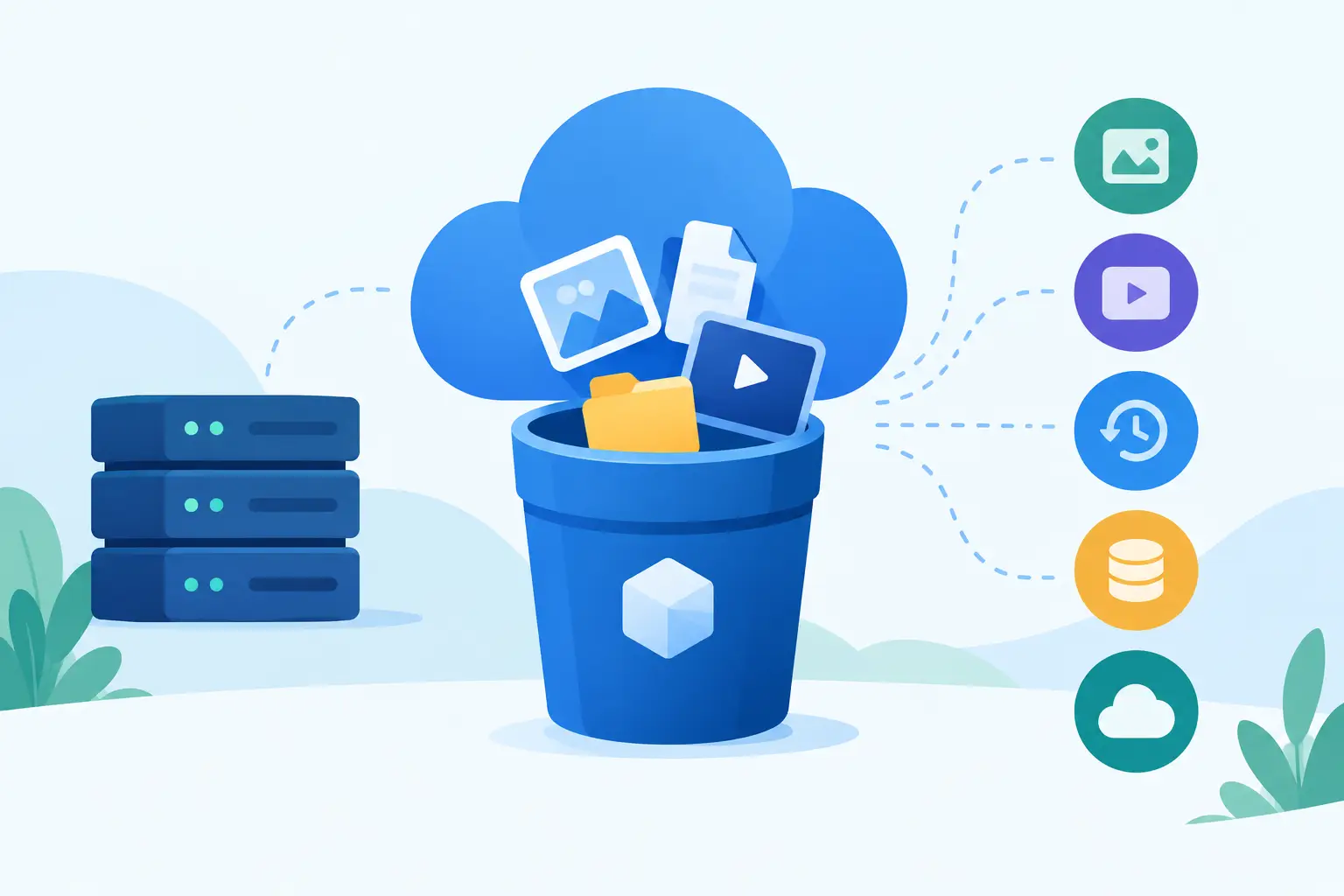
A website backup that lives only on the same server as the website is not much of a backup. A growing media library can also turn a standard hosting plan into an expensive, slow-moving bottleneck. This is where the question, what is object storage, becomes practical rather than technical: it is a way to store large volumes of files independently from your website, server, or application.
Object storage is built for the files that make digital operations work - images, videos, documents, archives, backups, software downloads, logs, and application assets. Instead of tying those files to a single virtual machine or hosting account, it keeps them in a scalable storage system that applications can access when needed.
For entrepreneurs, agencies, and developers, that means less storage pressure on production servers, simpler backup workflows, and more room to grow without rebuilding your infrastructure every time a file library expands.
What Is Object Storage?
Object storage stores data as individual objects inside containers commonly called buckets. Each object includes three parts: the file itself, a unique identifier, and metadata that describes the file. Metadata can include details such as file type, upload date, access permissions, retention rules, or custom tags your application uses.
This design differs from the familiar folder-and-disk model. A traditional server disk organizes files in a hierarchy of directories. Object storage uses a flat namespace within a bucket and finds objects through their identifiers and metadata. You can still use prefixes in object names to create folder-like organization, such as client-a/invoices/2026/, but those folders are a practical convention rather than physical disk directories.
The result is storage designed for scale. Whether you need a few gigabytes for WordPress backups or many terabytes for user uploads, object storage can hold a high volume of unstructured data without requiring you to manage disks, partitions, or file system limits manually.
How Object Storage Works in Real Operations
You first create a bucket, which acts as a dedicated container for a project, client, website, or workload. Next, you upload objects to that bucket through a dashboard, command-line tool, API, or storage-compatible application. Your software retrieves an object by requesting its bucket and object key.
For example, an online store might keep product photos in one bucket, invoice PDFs in another, and nightly database backups in a third. A web application can upload a customer file directly to storage, then save only the file reference in its database. That approach keeps the application server focused on processing requests rather than carrying every uploaded file on its local disk.
Most modern object storage platforms use API-based access. S3 compatibility matters here because Amazon S3 has become a widely adopted storage API standard. An S3-compatible service can work with many existing backup plugins, developer tools, media libraries, and deployment workflows without forcing you to rewrite your process around a proprietary interface.
Object Storage vs. Block Storage vs. File Storage
These storage types solve different problems. Choosing the wrong one can add cost and complexity, even if the storage itself performs well.
| Storage type | Best for | How it is accessed | Typical example |
|---|---|---|---|
| Object storage | Backups, media, documents, logs, static assets | API or web endpoint | A bucket of product images |
| Block storage | Databases, virtual machine disks, high-performance applications | Attached as a disk to a server | A cloud VM boot volume |
| File storage | Shared folders and collaborative access | File system protocols | A shared team drive |
Block storage behaves like a hard drive attached to a virtual machine. It is the right choice when an operating system, database, or application requires low-latency disk access. You generally do not use object storage as a direct replacement for a database disk or server boot drive.
File storage is useful when multiple people or systems need to browse and edit files through a shared folder. Object storage is better when applications need to store, retrieve, distribute, or archive a large number of independent files through APIs.
For many small businesses, the strongest setup uses more than one type. Your cloud VM runs the application on block storage, while object storage holds its backups and media. That separation reduces risk and makes capacity planning easier.
When Object Storage Makes Sense
Object storage is a strong fit when files need to be durable, accessible, and independent of the server that created them. It is particularly useful for workloads that grow unpredictably or need an off-server copy.
Website and server backups are the obvious starting point. If a hosting account, plugin update, configuration change, or server issue causes a problem, an external backup location gives you a recovery path that is not tied to the failed environment. The same applies to database exports, email archives, and configuration snapshots.
Media-heavy websites also benefit. Agencies managing several client sites can store image libraries, video files, downloads, and marketing assets outside the web server. This can preserve server disk space and make client environments easier to migrate or rebuild.
Developers often use object storage for application uploads, build artifacts, logs, datasets, and static content. A SaaS platform, for instance, may save user-generated PDFs or CSV exports in a bucket rather than on application servers that can be replaced during deployments.
Benefits That Matter for Growing Businesses
The first benefit is separation. Your website, application, and files no longer have to share the same storage location. If you need to upgrade, migrate, or replace a server, the object data remains separate.
The second is scalability. Adding storage capacity to a server can involve downtime, plan changes, or manual administration. Object storage is designed to grow by adding objects, not by continually resizing disks. That is useful when an agency signs a new client, an app starts receiving more uploads, or a campaign suddenly drives traffic to a large download library.
Cost control is another advantage. Object storage is commonly billed by stored capacity and usage rather than by paying for an oversized server disk months before you need it. The exact economics depend on storage volume, data transfer, request volume, and retention needs, so review pricing details before moving a high-traffic workload.
Centralized access also reduces operational friction. With a platform such as ACMMAX, businesses can keep infrastructure services under one account while using S3-compatible storage for the files that should not live solely on a hosting server.
Trade-Offs to Understand Before You Move Files
Object storage is not a magic replacement for every storage need. It is usually accessed over a network through an API, so it does not behave exactly like a local folder on your computer or a disk attached to a virtual machine. Applications that expect frequent, low-latency file edits may need block or file storage instead.
You also need to plan access controls. A public bucket can accidentally expose documents, backups, or customer uploads if permissions are not configured carefully. Use private-by-default settings, limited access keys, and separate buckets for different workloads or clients. For sensitive data, add encryption and establish clear retention policies.
Performance depends on how your application retrieves files. Object storage works well for large files and high volumes of independent objects, but repeatedly requesting tiny objects or routing all media through an overloaded application server can create avoidable inefficiency. Use caching, direct object delivery, and sensible file organization where your workload supports them.
Finally, backup storage still requires a backup strategy. Storing one copy in one bucket is better than keeping it only on a production server, but critical operations should define how often backups run, how long they are retained, who can restore them, and how restoration is tested.
A Practical Starting Setup
Start with one clear use case rather than moving every file at once. Nightly website backups are usually the easiest first project because they are low risk and immediately improve recoverability. Create a dedicated bucket, connect your backup tool using S3-compatible credentials, set a retention period, and perform a test restore before you consider the job finished.
Next, move noncritical static assets or application uploads if server disk usage is becoming a constraint. Keep production databases and operating system files on the storage type they require. Measure storage growth, retrieval patterns, and transfer costs for a month or two, then adjust your setup based on real usage rather than assumptions.
The best object storage strategy is not the most complicated one. It is the one that keeps your business files protected, your production servers focused, and your next stage of growth from becoming an infrastructure emergency.

